Swipe
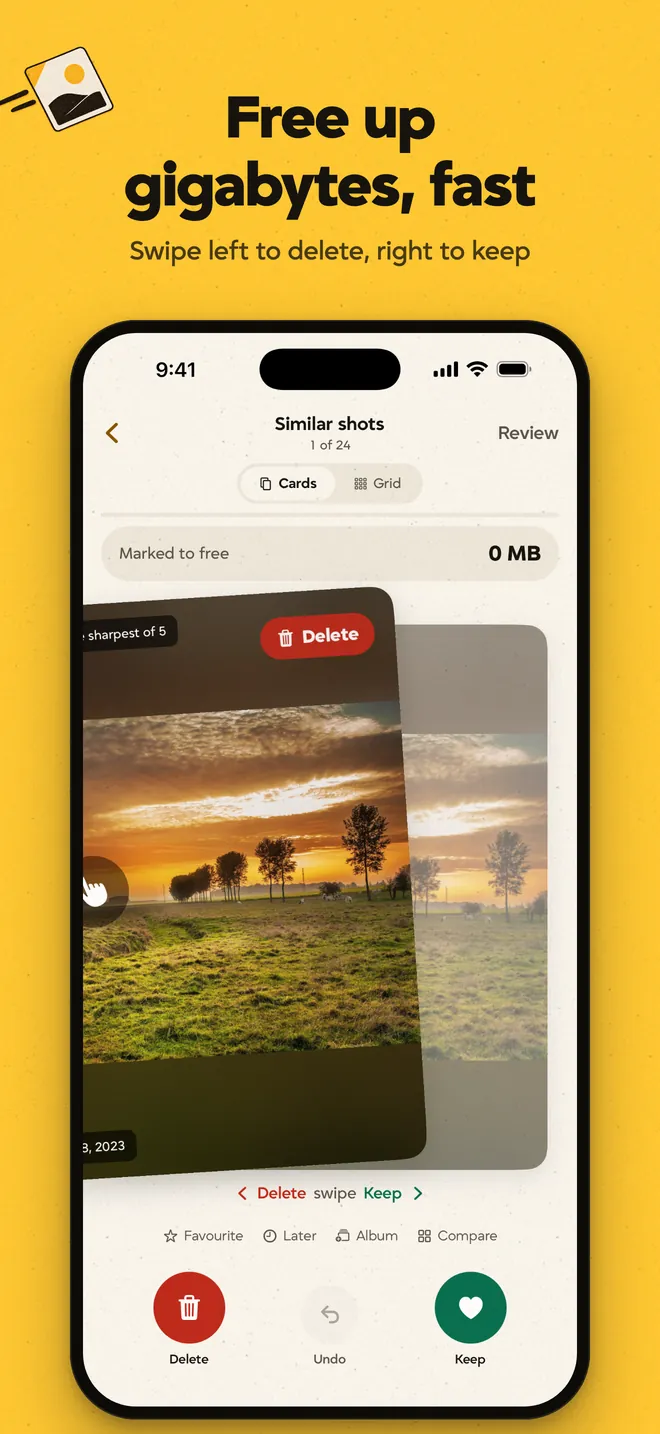
Swipe left to mark a photo for deletion, or right to keep it. Work through a month or revisit older photos with On this day, with the option to undo a choice before the final review.

OnceSwipe is our photo and video cleaner for iPhone and Android. We built it to make sorting a full camera roll easier, while keeping its owner in charge of what gets deleted.
Visit OnceSwipe01Why we built it
A camera roll fills up with near-identical photos and screenshots that have outlived their use. Going through it means making hundreds of small decisions, while trying not to lose something you care about.
We built OnceSwipe to make that job easier to get through. The app finds useful places to start and breaks the sorting into smaller choices, with a review before anything is deleted.
02Inside the app
Swiping handles one photo at a time. Grouped photos and a grid give people other ways through a larger library.
Swipe left to mark a photo for deletion, or right to keep it. Work through a month or revisit older photos with On this day, with the option to undo a choice before the final review.
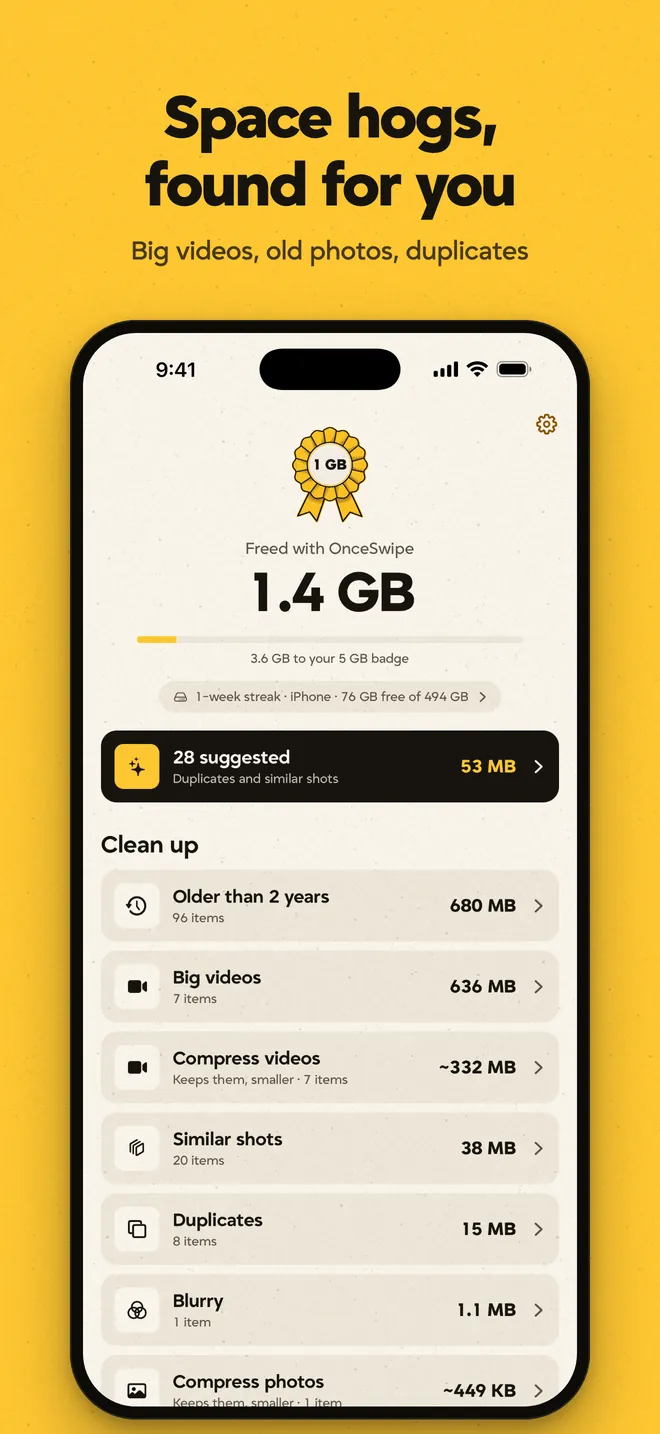
The home screen groups things like large videos and duplicate photos so you can choose where to start. Exact copies and retakes can be preselected, with one version always kept.
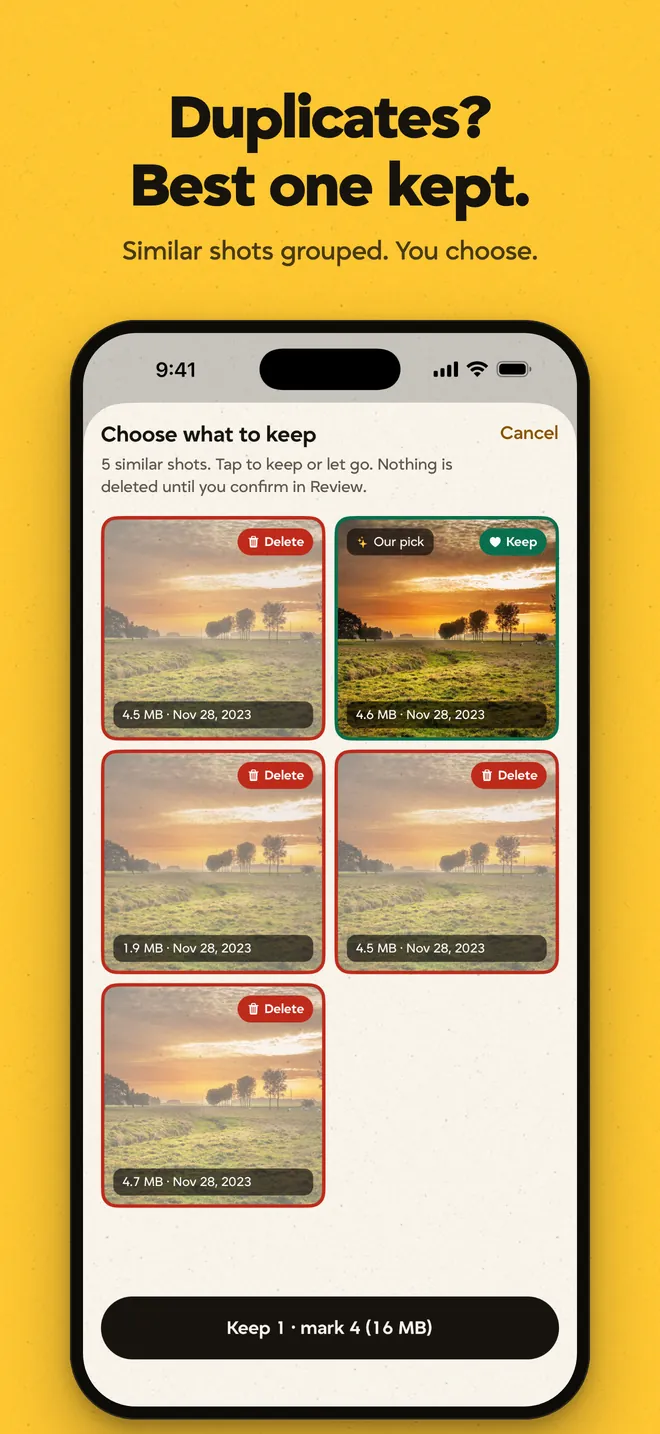
Near-identical shots appear together so you can check the details and pick your favourite. The app suggests a photo to keep, while the final choice of what stays is yours.
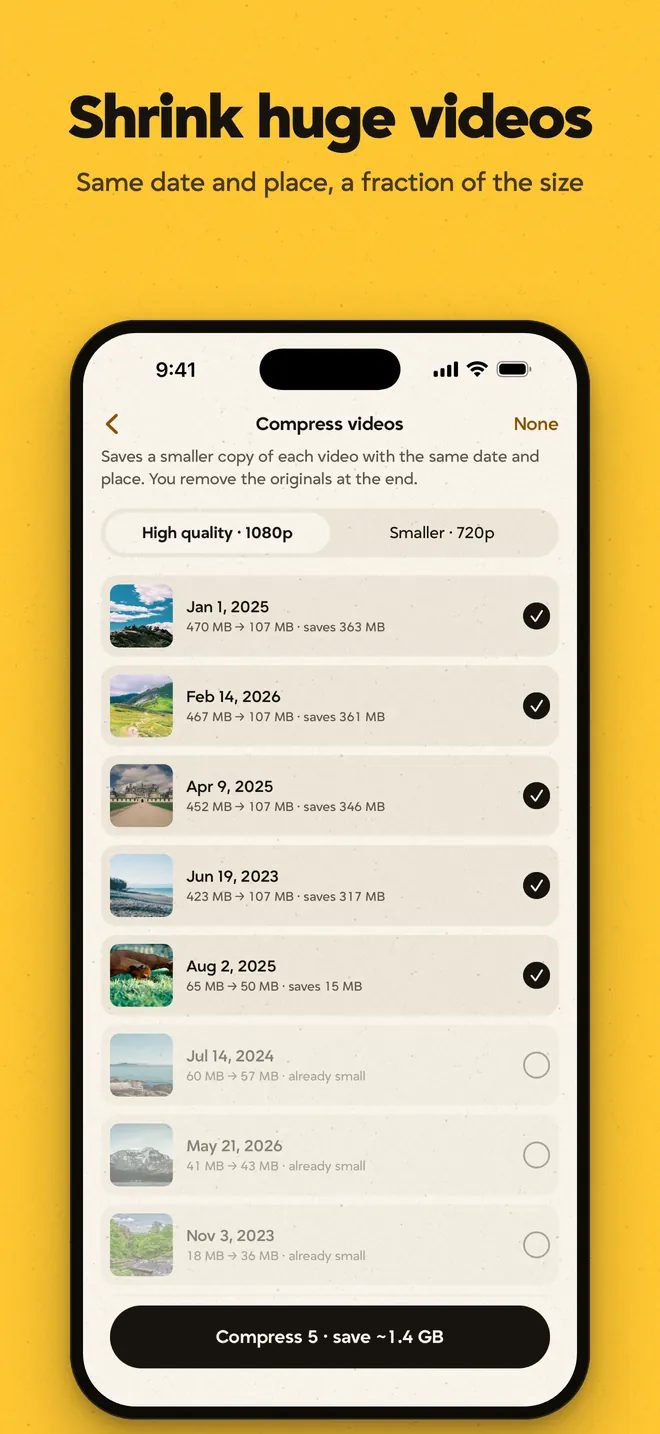
Compress a large video when you want to keep the recording but recover some space. The smaller file keeps its original date and location, so it still belongs in the right place in your library.
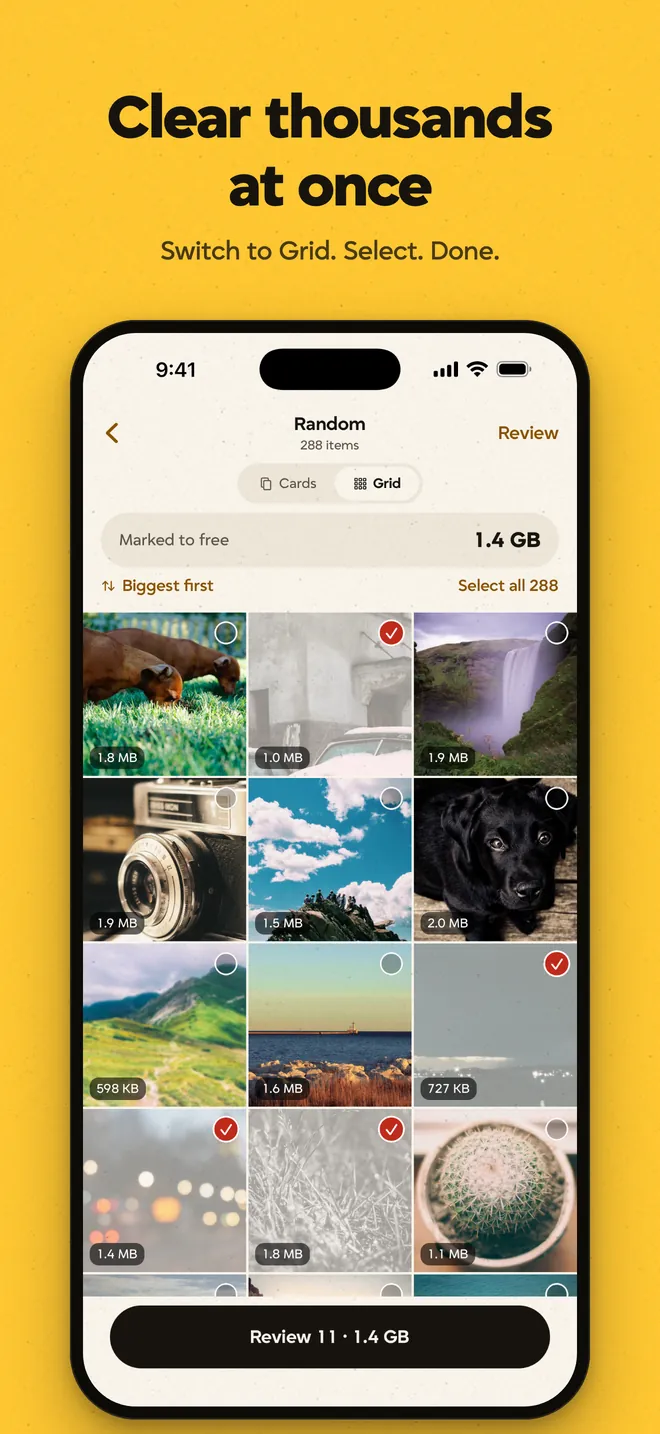
Switch to a grid when you already know what you want to clear. Select several photos together, then check the selection in the same review flow used for swiping.
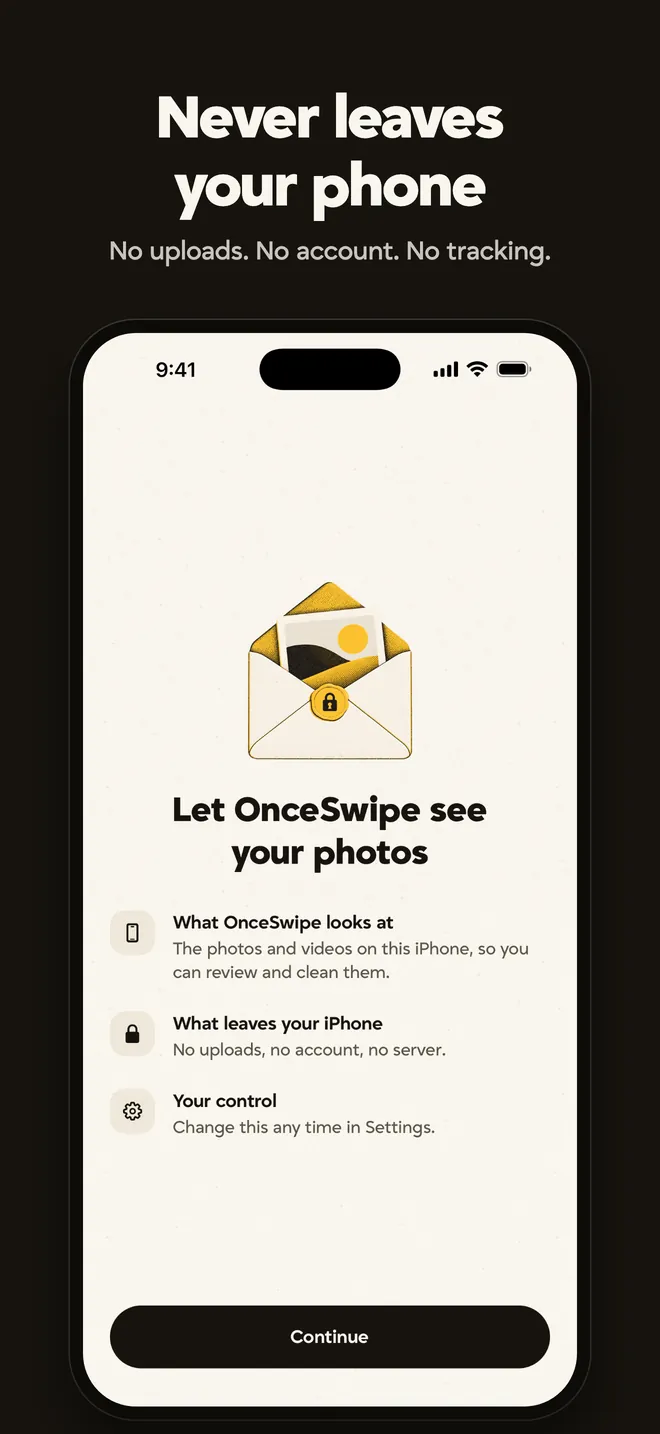
Before asking for photo access, the app explains why it needs it and what it can see. Photos are processed on the device, and access can be changed later in the phone's settings.
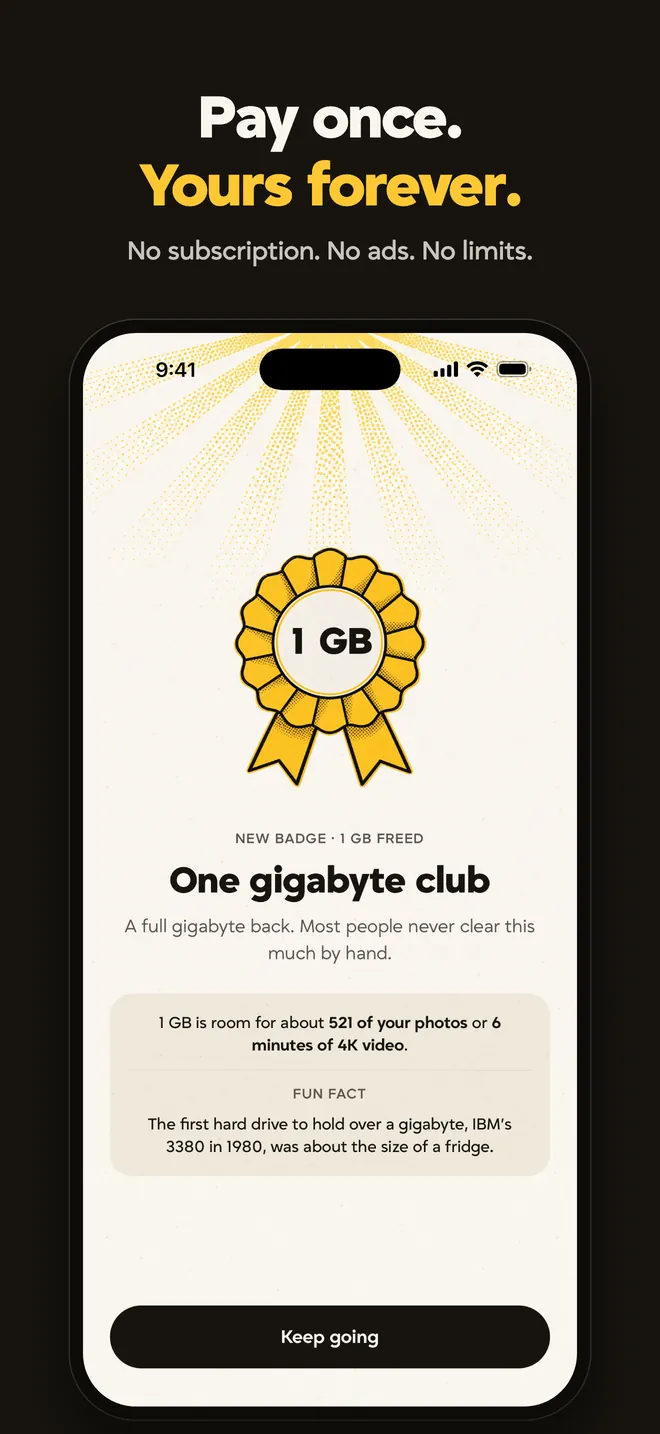
After a cleanup, the app records how much space was recovered on that phone. A history by month and file type makes it easy to look back, while badges mark storage milestones along the way.
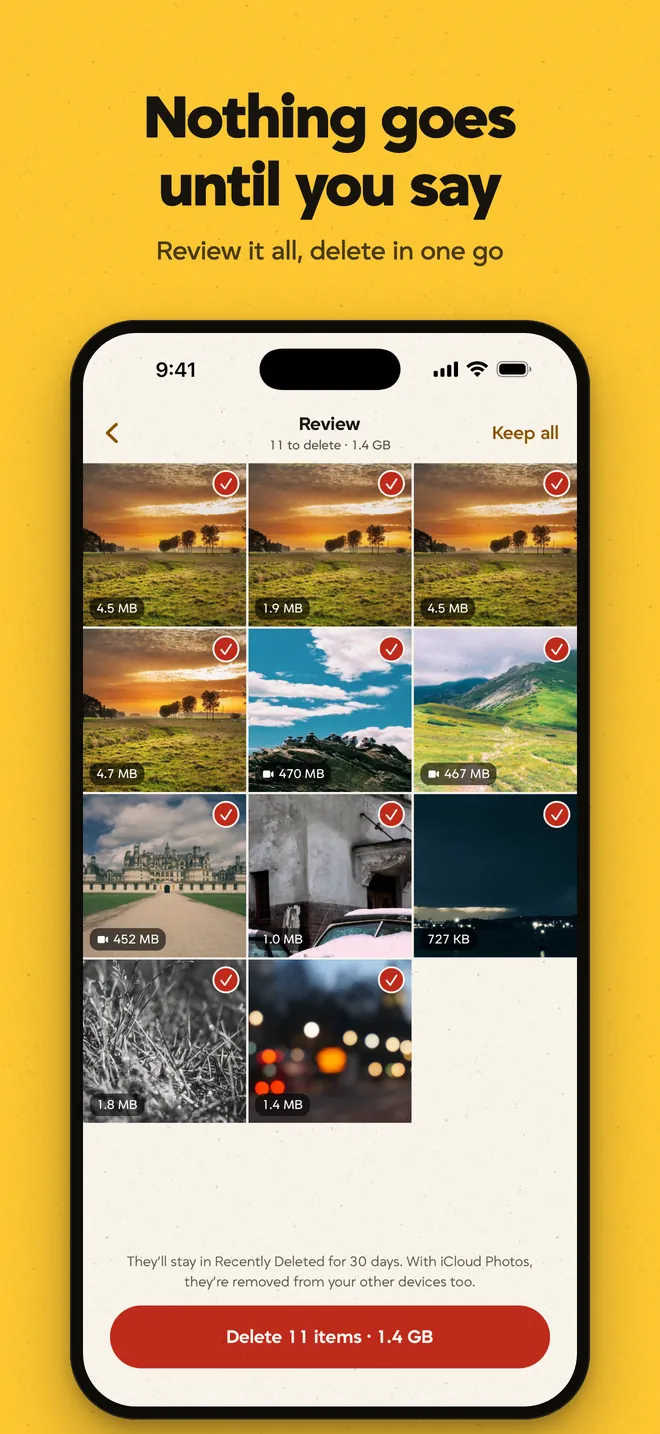
Swiping marks items for deletion; it doesn't remove them straight away. A final review brings the selection together so you can check it and change your mind before confirming.

03The business model
We made the whole app an upfront purchase. People can come back whenever they need to clear space, without a subscription or a limit on how much they can sort.
One-time payment. No subscription.
04Privacy
A photo library is personal. We kept photo analysis on the device, so finding a duplicate doesn't mean uploading someone's pictures. There's no account to create and no photo library for us to store.
Read the privacy policyAvailable now
OnceSwipe / Made by Pivot & Anchor
More studio products